
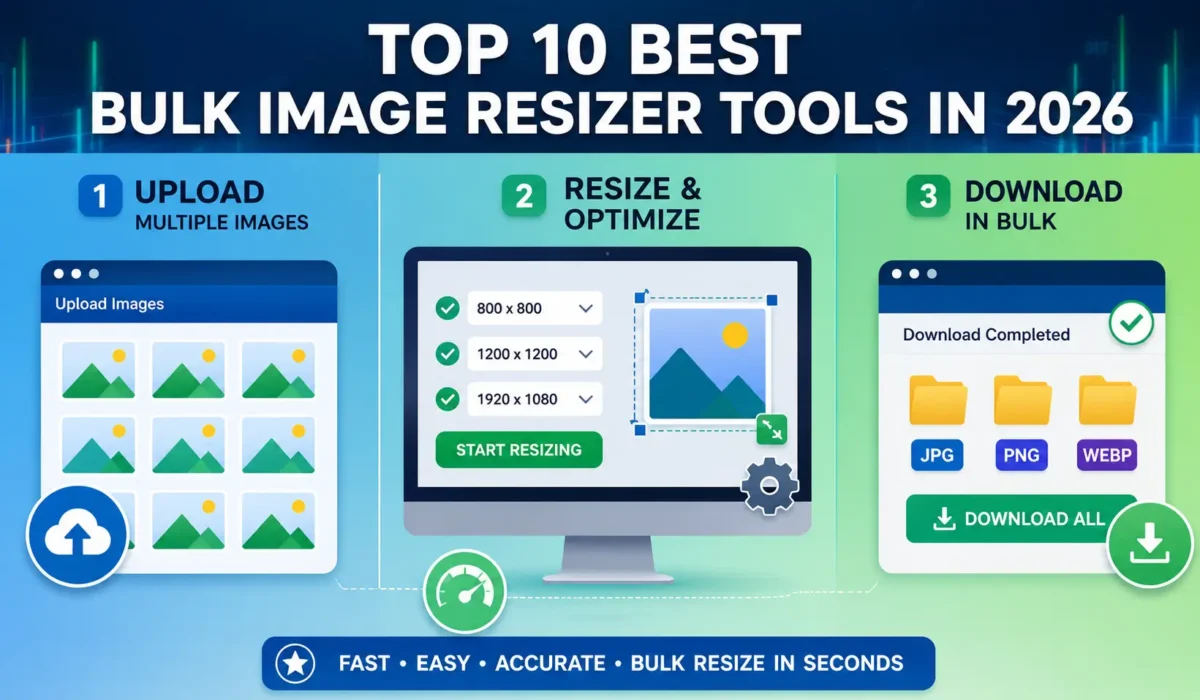
Top 10 Best Bulk Image Resizer Tools in 2026
Images play a major role in websites, online stores, social media, digital marketing campaigns, blogs, and graphic design projects. However, working with large image collections can quickly become time-consuming when each image must be resized individually. Whether you manage an eCommerce store with hundreds of product photos, run a photography business, publish content regularly, or manage social media accounts, bulk image resizing can save hours of work.
A bulk image resizer allows users to resize multiple images simultaneously instead of processing them one at a time. These tools help maintain consistent image dimensions, improve website loading speeds, optimize images for SEO, and streamline content management workflows.
In this guide, we explore the top 10 best bulk image resizer tools available today. We compare their features, benefits, strengths, and ideal use cases to help you choose the right solution for your needs.
Why Bulk Image Resizing Matters
Before exploring the tools, it’s important to understand why bulk image resizing is essential.
Large image files can:
- Slow down website loading times
- Increase storage requirements
- Create inconsistent image dimensions
- Affect user experience
- Reduce website performance scores
- Negatively impact SEO rankings
Resizing images in bulk helps solve these issues while ensuring all images maintain a professional appearance across websites, marketplaces, blogs, and social media platforms.
The right bulk image resizer can save significant time while improving workflow efficiency.
1. ImageResizer.Tools
ImageResizer.Tools earns the top spot because of its balance of simplicity, speed, and effectiveness. Unlike many image editing platforms that overwhelm users with unnecessary features, this tool focuses specifically on helping users resize multiple images quickly and efficiently.
The platform is browser-based, meaning there is no software installation required. Users can upload multiple images, select desired dimensions, process them in bulk, and download the resized files within minutes.
Key Features
- Bulk image resizing
- Fast processing
- User-friendly interface
- Browser-based operation
- No installation required
- Supports commonly used image formats
- Suitable for beginners and professionals
Best For
- Website owners
- Bloggers
- SEO professionals
- eCommerce businesses
- Digital marketers
- Social media managers
Advantages
One of the biggest advantages of ImageResizer.Tools is its simplicity. Many users only need fast image resizing without advanced editing options. The clean interface makes the process straightforward even for beginners.
The tool also helps maintain image quality during resizing, which is important for businesses that rely heavily on visual content.
Pros
- Easy to use
- Fast bulk processing
- No software installation
- Works on multiple devices
- Beginner-friendly
Cons
- Requires internet access
If you want to use free tool for image resizing in bulk use ImageResizer.tools.
2. Adobe Express
Adobe Express brings the power of Adobe’s image processing technology into an accessible online platform. While Adobe is known for professional software solutions, Adobe Express simplifies many image editing tasks, including bulk image resizing.
Users can resize images for websites, social media platforms, presentations, and marketing campaigns with minimal effort.
Key Features
- Batch image resizing
- Social media presets
- Cloud integration
- Professional image quality
- Easy sharing options
Best For
Businesses, agencies, and designers already working within the Adobe ecosystem.
Advantages
Adobe’s image processing quality is among the best available. Users benefit from reliable performance and excellent output quality.
Pros
- High-quality output
- Trusted brand
- Professional results
- Cloud-based workflow
Cons
- Some features require subscription plans
3. FastStone Photo Resizer
FastStone Photo Resizer has been a trusted solution for years among users who prefer desktop software. It offers powerful batch processing features while remaining lightweight and easy to use.
Key Features
- Batch image resizing
- Batch renaming
- Watermark addition
- Format conversion
- Image adjustments
Best For
Windows users who regularly process large image collections.
Advantages
FastStone is highly efficient when handling hundreds or thousands of images at once. It offers a range of customization options without becoming overly complicated.
Pros
- Lightweight software
- Fast performance
- Advanced options
- Reliable processing
Cons
- Windows only
4. XnConvert
XnConvert is one of the most powerful image conversion and resizing tools available. It supports hundreds of image formats and provides advanced batch processing capabilities.
Key Features
- Bulk image resizing
- Format conversion
- Watermarking
- Color adjustments
- Metadata handling
Best For
Users who require advanced image management and conversion features.
Advantages
Its broad format support makes it useful for photographers and professionals who work with different image types.
Pros
- Supports many formats
- Powerful batch processing
- Cross-platform compatibility
- Free for personal use
Cons
- Interface feels outdated
5. IrfanView
IrfanView remains one of the most respected image utilities available. It has been used by millions of users worldwide thanks to its speed and lightweight design.
Key Features
- Batch resizing
- Image conversion
- Plugin support
- Image optimization
- File management tools
Best For
Users seeking a fast and lightweight desktop application.
Advantages
IrfanView performs exceptionally well even on older computers, making it a practical choice for users with limited hardware resources.
Pros
- Extremely fast
- Free to use
- Lightweight installation
- Reliable performance
Cons
- Dated user interface
6. Bulk Resize Photos
Bulk Resize Photos is a dedicated online tool designed specifically for batch image resizing. It focuses on simplicity and privacy.
Unlike some online platforms that upload images to remote servers, much of the processing occurs within the browser.
Key Features
- Browser-based processing
- Bulk image resizing
- Privacy-focused workflow
- Easy drag-and-drop uploads
Best For
Users who prioritize simplicity and privacy.
Advantages
The straightforward workflow makes it easy for non-technical users to resize multiple images quickly.
Pros
- No software installation
- Simple interface
- Free to use
- Fast processing
Cons
- Limited advanced features
7. BeFunky
BeFunky combines image editing capabilities with bulk resizing tools. It offers a modern interface designed for content creators and marketing professionals.
Key Features
- Batch image resizing
- Graphic design tools
- Templates
- Photo editing capabilities
- Cloud storage integration
Best For
Content creators, bloggers, and social media marketers.
Advantages
Users can resize images while also performing additional editing tasks without switching platforms.
Pros
- Modern design
- Multiple editing tools
- User-friendly interface
Cons
- Advanced features require premium access
8. Fotor
Fotor has grown into a popular online image editing platform with strong bulk image resizing capabilities.
The platform combines AI-powered features with traditional image editing tools.
Key Features
- Bulk image resizing
- AI image enhancement
- Design templates
- Social media optimization
- Photo editing tools
Best For
Social media managers and digital marketers.
Advantages
Fotor provides an all-in-one environment for image preparation and content creation.
Pros
- Easy-to-use interface
- AI-powered features
- Multiple editing options
Cons
- Limited free plan functionality
9. PicResize
PicResize has been serving users for many years as a straightforward online image resizing platform.
Its simplicity makes it appealing to users who need quick results without a steep learning curve.
Key Features
- Bulk image resizing
- Cropping tools
- Basic image effects
- Format conversion
Best For
Users who need occasional image resizing tasks.
Advantages
The platform requires little technical knowledge and allows users to process images quickly.
Pros
- Simple workflow
- Free access
- Easy navigation
Cons
- Limited advanced capabilities
10. BatchPhoto
BatchPhoto is designed for professionals who require advanced automation and batch processing features.
It provides a comprehensive suite of image management tools beyond basic resizing.
Key Features
- Advanced batch processing
- Watermarking
- Image filters
- Automated workflows
- Format conversion
Best For
Professional photographers, studios, and agencies.
Advantages
The software can automate repetitive image tasks, saving significant time for businesses handling large volumes of images.
Pros
- Professional-grade features
- Powerful automation
- Flexible workflow options
Cons
- Paid software
How to Choose the Right Bulk Image Resizer
Not all image resizing tools are created equal. The best choice depends on your specific requirements.
1. Ease of Use
A clean and intuitive interface can save time and reduce frustration. Beginners often benefit from tools that focus on simplicity.
2. Processing Speed
When working with hundreds of images, speed becomes critical. Look for tools optimized for large batch operations.
3. Image Quality
Resizing should not significantly reduce image quality. The best tools preserve sharpness and clarity.
4. File Format Support
Ensure the tool supports formats you commonly use, including:
- JPG
- JPEG
- PNG
- WebP
- GIF
- TIFF
5. Online vs Desktop
Online tools offer convenience and accessibility.
Desktop software often provides greater control and advanced features.
Your choice should depend on your workflow and usage frequency.
6. Security and Privacy
Businesses handling sensitive content should evaluate how uploaded images are processed and stored.
7. Additional Features
Some users may benefit from:
- Watermarking
- Batch renaming
- Format conversion
- Compression
- Metadata editing
Choosing a tool with these capabilities can reduce the need for multiple software solutions.
Benefits of Using Bulk Image Resizer Tools
Businesses and individuals can gain numerous advantages from bulk image resizing.
Save Time
Processing hundreds of images manually can take hours. Bulk tools reduce this work to minutes.
Improve Website Speed
Properly sized images reduce page weight and improve loading times.
Better SEO Performance
Search engines favor faster websites. Optimized images contribute to better rankings and user experience.
Consistent Branding
Uniform image dimensions help create a professional appearance across websites and social media platforms.
Easier Content Management
Maintaining organized image libraries becomes significantly easier when images follow consistent sizing standards.
Reduced Storage Requirements
Smaller image files consume less storage space and bandwidth.
Improved User Experience
Visitors appreciate fast-loading pages and consistent visual presentation.
Who Should Use Bulk Image Resizers?
Bulk image resizing tools are valuable for many different users.
eCommerce Businesses
Online stores often manage hundreds or thousands of product photos.
Bloggers
Bloggers regularly upload featured images, infographics, and supporting visuals.
Digital Marketing Agencies
Agencies frequently process images for multiple clients and campaigns.
Photographers
Professional photographers often need to prepare galleries, portfolios, and client deliverables.
Social Media Managers
Social media platforms require different image dimensions for various content formats.
Website Owners
Website performance often depends heavily on image optimization.
Final Verdict
Bulk image resizing has become an essential part of modern digital workflows. Whether you’re managing an online store, publishing blog content, running social media campaigns, or maintaining a professional photography portfolio, the ability to resize multiple images simultaneously can save significant time and effort.
Among all the options available today, ImageResizer.Tools stands out as the best overall choice because it combines speed, simplicity, and efficiency in an easy-to-use browser-based platform. Users can quickly resize multiple images without installing software or dealing with complicated settings.
Adobe Express and BatchPhoto are excellent choices for professionals seeking advanced capabilities, while FastStone Photo Resizer, XnConvert, and IrfanView remain strong desktop alternatives. For users who prefer online solutions, Bulk Resize Photos, BeFunky, Fotor, and PicResize offer reliable options.
The ideal tool ultimately depends on your workflow, budget, and feature requirements. However, if your primary goal is fast and reliable bulk image resizing, ImageResizer.Tools deserves serious consideration as the top choice in 2026.