
Resize Image to 10 KB
Select Or Drag & Drop Images Here
Follow these easy steps
How to Use the Image Resizing Tool
Upload Your Image
Click the "Upload" button and select the image you want to resize from your computer or phone.
Download Your Image
Hit the "Resize" button, and your newly sized image will be ready to download instantly.
How to resize an image to 10 kb?
- Upload the image you want to reduce
- Enter the target size as 10KB in the given input field
- Use the toggle option to set a custom resolution if required
- Download the final version in JPEG format
Our Image Resizer Service Achievements
Here are some of the great things we’ve achieved by helping people resize their images easily.
5000
+
Images Resized
4999
+
Downloads & Uses
100
%
user Satisfaction
50
+
Countries Served
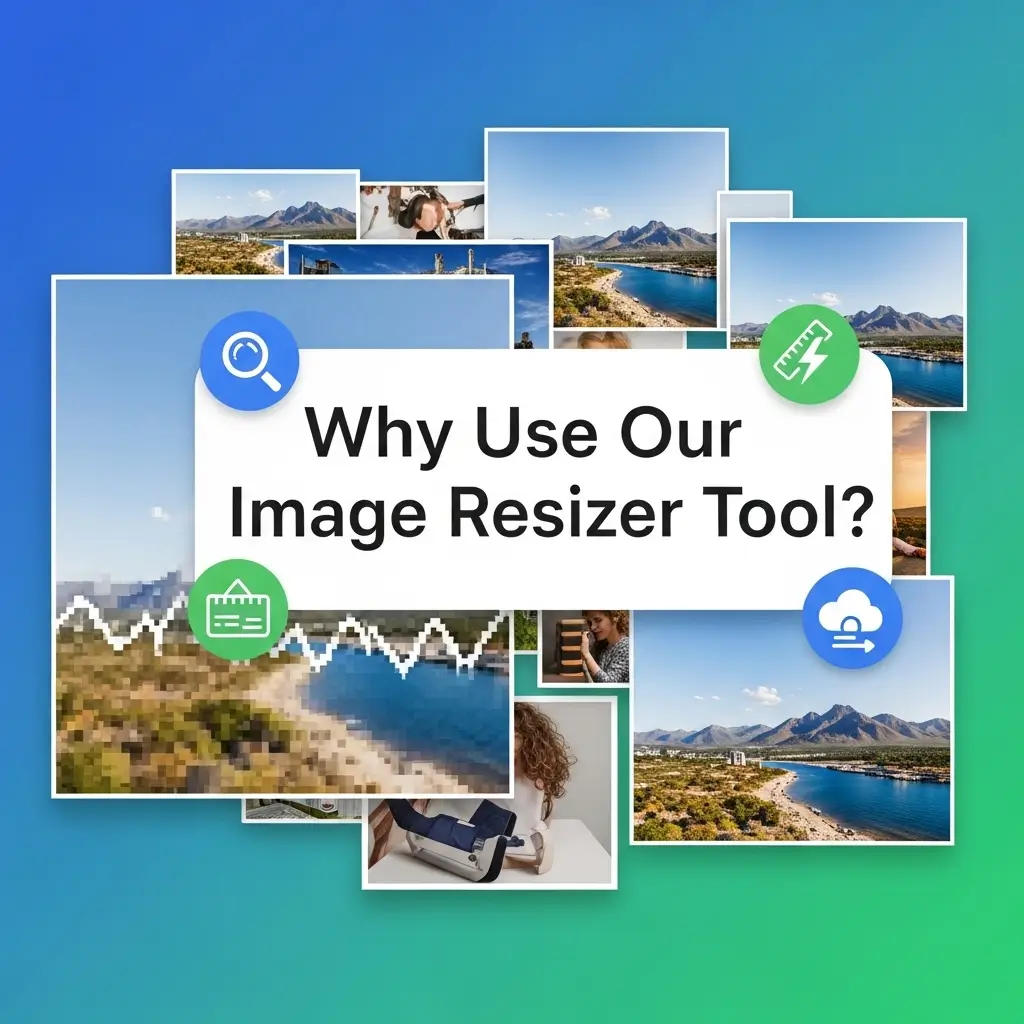
Image Resizer
Why Use Our Image Resizer Tool?
It's Super Fast
Resize any image in just a few seconds.
Completely Free
No hidden costs or sign-ups required. Use it as much as you want!
Easy to Use
Our simple design means anyone can resize a photo. No technical skills needed.
Keeps Quality High
We make sure your resized images still look sharp and clear.
Works Everywhere
Use it on your computer, tablet, or smartphone.
FAQ'S
It make sure your 10 kb image is extremely lightweight, making it suitable for quick uploads and websites with strict limits.
Yes, some quality loss may occur, but the our image resizer tool make sure the image remains clear for small displays like icons or previews.
The resized 10 kb image is provided in JPEG format for universal compatibility.
They are best for thumbnails, low-data environments, and websites where speed is a priority.