
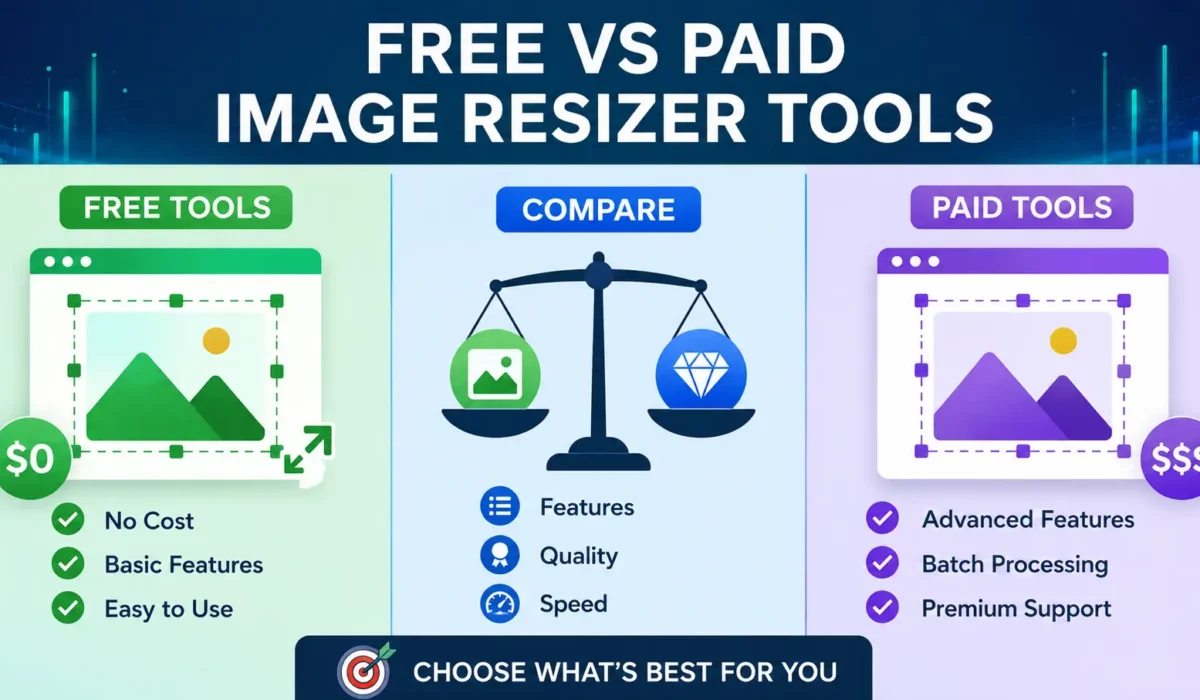
Free vs Paid Image Resizer Tools – Which Is Better?
Images play a major role in websites, social media, online stores, blogs, email campaigns, and digital marketing. Large image files can slow down websites, consume storage space, and create difficulties when sharing files online. This is why image resizer tools have become essential for businesses, content creators, photographers, designers, marketers, and website owners.
Today, users can choose between free image resizer tools and paid image resizer software. Both options offer image resizing capabilities, but they differ in features, performance, flexibility, and overall value.
The question many users ask is simple:
Should you use a free image resizer or invest in a paid one?
The answer depends on your needs, budget, workload, and image processing requirements.
This guide compares free and paid image resizer tools in detail to help you make the right decision.
What Is an Image Resizer Tool?
An image resizer tool is software or an online application that allows users to change the dimensions of an image without manually editing it in professional design software.
Image resizing is commonly used for:
- Website optimization
- Social media posting
- E-commerce product images
- Blog images
- Email marketing campaigns
- Mobile app assets
- Digital advertising
- Printing preparation
Instead of uploading oversized images, users can quickly resize them to the required dimensions while maintaining image quality.
Why Image Resizing Matters
Many people underestimate the importance of image resizing.
Uploading large images directly from a smartphone or camera can create several issues:
- Slow website loading speed
- Poor user experience
- Increased bandwidth usage
- Reduced SEO performance
- Higher storage costs
- Longer upload times
Properly resized images help websites load faster and improve overall performance.
For businesses, faster websites often lead to:
- Better search rankings
- Higher engagement
- Improved conversion rates
- Lower bounce rates
This makes image resizing an important part of digital optimization.
What Are Free Image Resizer Tools?
Free image resizer tools allow users to resize images without paying any subscription or licensing fee.
Most free tools are available online and work directly through a web browser.
Popular examples include:
- ImageResizer.tools
- Adobe Express Free Resizer
- Canva Free Plan
- Simple Image Resizer
- ResizePixel
- Fotor Free Resizer
Many free tools are designed for casual users who need quick resizing without advanced editing features.
Why ImageResizer.tools Is a Strong Free Alternative
Among the many free image resizing solutions available today, ImageResizer.tools stands out because it focuses on simplicity, speed, and usability without requiring users to purchase a subscription.
Some of the advantages include:
- Free image resizing without registration
- Fast processing directly through a web browser
- User-friendly interface suitable for beginners
- Support for common image resizing needs for websites, blogs, e-commerce stores, and social media
- No software installation required
- Accessible from desktop and mobile devices
- Quick download of resized images
Many free tools restrict important features behind paywalls or overwhelm users with advertisements. ImageResizer.tools provides a straightforward experience for users who simply need to resize images efficiently without navigating complex editing software. If you want to resize your image free than visit imageresizer.tools.
Benefits of Free Image Resizer Tools
1. No Cost
The biggest advantage is obvious.
Users can resize images without spending money.
This makes free tools attractive for:
- Students
- Bloggers
- Small businesses
- Freelancers
- Hobbyists
When budgets are limited, free tools provide immediate value.
2. Easy to Use
Most free image resizers focus on simplicity.
Users typically:
- Upload an image
- Enter desired dimensions
- Resize the image
- Download the result
The process often takes less than a minute.
No technical expertise is required.
3. Browser-Based Access
Many free tools work entirely online.
There is no need to:
- Install software
- Download updates
- Configure settings
Users can access the tool from any device with internet access.
4. Suitable for Basic Tasks
Many users only need simple resizing.
Examples include:
- Instagram posts
- Facebook cover photos
- Blog images
- Website thumbnails
- Email attachments
For these tasks, free tools are often more than sufficient.
5. Fast Results
Most free resizers focus on speed.
Users can resize images quickly without navigating complex interfaces.
This is particularly useful when processing a small number of images.
Limitations of Free Image Resizer Tools
Although free tools are useful, they often come with restrictions.
1. Feature Limitations
Many free tools offer only basic resizing.
Advanced features may be unavailable, such as:
- Bulk resizing
- AI enhancements
- Batch processing
- Advanced compression
- Watermarking
- Automation workflows
These limitations can slow productivity.
2. File Size Restrictions
Some free tools limit:
- Maximum upload size
- Number of daily uploads
- Image dimensions
Large image files may not be supported.
3. Advertisements
Many free platforms rely on advertising revenue.
Users may encounter:
- Pop-up ads
- Banner ads
- Promotional offers
This can affect workflow efficiency.
4. Limited Output Formats
Free tools sometimes support fewer file formats.
Users may only be able to export:
- JPG
- PNG
Advanced formats such as:
- WebP
- AVIF
- TIFF
may require paid plans.
5. Privacy Concerns
Some online image resizers upload files to external servers.
Businesses handling sensitive images may prefer solutions with stronger privacy controls.
What Are Paid Image Resizer Tools?
Paid image resizer tools offer advanced functionality through subscriptions or one-time purchases.
These tools target:
- Businesses
- Agencies
- Professional photographers
- Designers
- Marketing teams
- E-commerce companies
Examples include:
- Adobe Photoshop
- Adobe Lightroom
- Canva Pro
- PhotoBulk
- BatchPhoto
- ImageOptim Pro solutions
Paid tools often include image resizing as part of a larger image management system.
Benefits of Paid Image Resizer Tools
1. Advanced Features
The biggest advantage of paid tools is expanded functionality.
Features may include:
- Batch resizing
- AI image enhancement
- Smart cropping
- Automatic optimization
- Background removal
- Watermark management
- File format conversion
These capabilities save significant time.
2. Bulk Image Processing
Businesses frequently manage hundreds or thousands of images.
Paid tools allow users to:
- Resize multiple images simultaneously
- Apply identical settings
- Export entire folders
This dramatically improves efficiency.
3. Better Quality Control
Professional tools often provide more precise image settings.
Users can control:
- Resolution
- Compression levels
- DPI settings
- Color profiles
- Metadata
This helps maintain image quality across various platforms.
4. Automation Features
Many paid solutions include workflow automation.
For example:
- Automatically resize uploaded images
- Generate multiple image sizes
- Create thumbnails
- Export optimized versions
Automation reduces repetitive work.
5. Customer Support
Paid software usually includes support services.
Users may receive:
- Technical assistance
- Tutorials
- Priority support
- Knowledge bases
This can be valuable for businesses.
6. Commercial Usage Rights
Businesses often need commercial-grade tools.
Paid platforms typically offer clear licensing and professional use permissions.
This provides greater confidence when handling client projects.
Drawbacks of Paid Image Resizer Tools
Despite their advantages, paid solutions are not perfect.
1. Higher Cost
The primary disadvantage is expense.
Costs may include:
- Monthly subscriptions
- Annual subscriptions
- One-time software licenses
For occasional users, these expenses may not be justified.
2. Learning Curve
Advanced tools often require training.
Users may need time to learn:
- Settings
- Workflows
- Export options
- Automation systems
This can be overwhelming for beginners.
3. More Features Than Needed
Many casual users only need image resizing.
Paying for dozens of advanced features may not provide additional value.
Free vs Paid Image Resizer Tools: Side-by-Side Comparison
| Feature | Free Tools | Paid Tools |
|---|---|---|
| Cost | Free | Subscription or license |
| Basic Resizing | Yes | Yes |
| Bulk Resizing | Limited | Usually included |
| AI Features | Rare | Common |
| File Size Limits | Often limited | Usually higher |
| Ads | Sometimes | Usually ad-free |
| Automation | Limited | Advanced |
| Customer Support | Minimal | Available |
| Commercial Use | Varies | Usually included |
| Quality Control | Basic | Advanced |
Who Should Choose Free Image Resizer Tools?
Free tools are ideal for:
Bloggers
Bloggers often resize images before uploading content.
Basic resizing capabilities are usually sufficient.
Students
Students working on assignments or presentations can save money by using free tools.
Small Website Owners
If image volume is low, free tools can handle daily needs effectively.
Social Media Users
Most social media content only requires simple image resizing.
Free tools perform this task well.
Casual Users
Users who occasionally resize images do not need expensive software.
Who Should Choose Paid Image Resizer Tools?
Paid tools are best for:
Professional Photographers
Photographers process large volumes of high-resolution images.
Advanced quality controls become important.
Marketing Agencies
Agencies manage multiple clients and large image libraries.
Automation features save valuable time.
E-Commerce Businesses
Online stores require consistent product images across multiple platforms.
Bulk processing is essential.
Graphic Designers
Designers often need advanced editing and resizing capabilities in a single platform.
Large Organizations
Businesses handling thousands of images benefit from scalable solutions.
Why Many Users Start with Free Tools
Many professionals actually begin with free tools.
This allows them to:
- Test workflows
- Understand requirements
- Avoid unnecessary costs
Only after reaching certain limits do they upgrade to paid solutions.
This approach minimizes expenses while maximizing value.
Can a Free Tool Replace a Paid Tool?
In many cases, yes.
Modern free image resizers have improved significantly.
For basic resizing tasks, tools such as ImageResizer.tools can provide:
- Quick resizing
- Multiple dimensions
- Simple workflows
- No installation requirements
For many bloggers, content creators, and website owners, this is all they need.
The need for paid software typically appears when:
- Image volume increases
- Automation becomes necessary
- Advanced editing is required
- Team collaboration is needed
How to Choose the Right Image Resizer
Before selecting a tool, ask yourself:
How many images do I resize each week?
If the answer is fewer than 50, a free tool may be enough.
Do I need batch processing?
If yes, paid solutions may offer significant advantages.
Is image quality critical?
Professional photography and print projects often require advanced controls.
What is my budget?
Choose a solution that provides value without unnecessary expenses.
Do I need additional editing features?
If resizing is your only requirement, a simple tool may be the better option.
Final Verdict
There is no universal winner between free and paid image resizer tools.
The better choice depends entirely on your needs.
Free image resizer tools are excellent for casual users, bloggers, students, social media managers, and small website owners who need quick and efficient resizing without spending money.
Paid image resizer tools deliver more power, automation, quality control, and scalability for professionals who handle large volumes of images or require advanced workflows.
For most everyday users, a reliable free solution like ImageResizer.tools can easily handle common image resizing tasks without the complexity or cost of professional software.
However, businesses managing hundreds or thousands of images regularly may benefit from investing in a paid solution that offers automation, bulk processing, and advanced optimization features.
The smartest approach is to start with a free tool and upgrade only when your workload genuinely demands additional capabilities.