
Resize Image to 50x50 Pixels
Select Or Drag & Drop Images Here
px
px
Follow these easy steps
How to Use the Image Resizing Tool for 50x50 pixel
1
Upload Your Image
Click the "Upload" button and select the image you want to resize from your computer or phone.
3
Download Your Image
Hit the "Resize" button, and your newly sized image will be ready to download instantly.
Common Uses of 50x50 px
- User profile thumbnails
- Website icons
- App interface icons
- Navigation and menu icons
- Contact photos
- Social media avatars
- Toolbar buttons
- Notification icons
- Gaming profile icons
- Small logo variations for web and mobile applications
Our Image Resizer Service Achievements
Here are some of the great things we’ve achieved by helping people resize their images easily.
5000
+
Images Resized
4999
+
Downloads & Uses
100
%
user Satisfaction
50
+
Countries Served
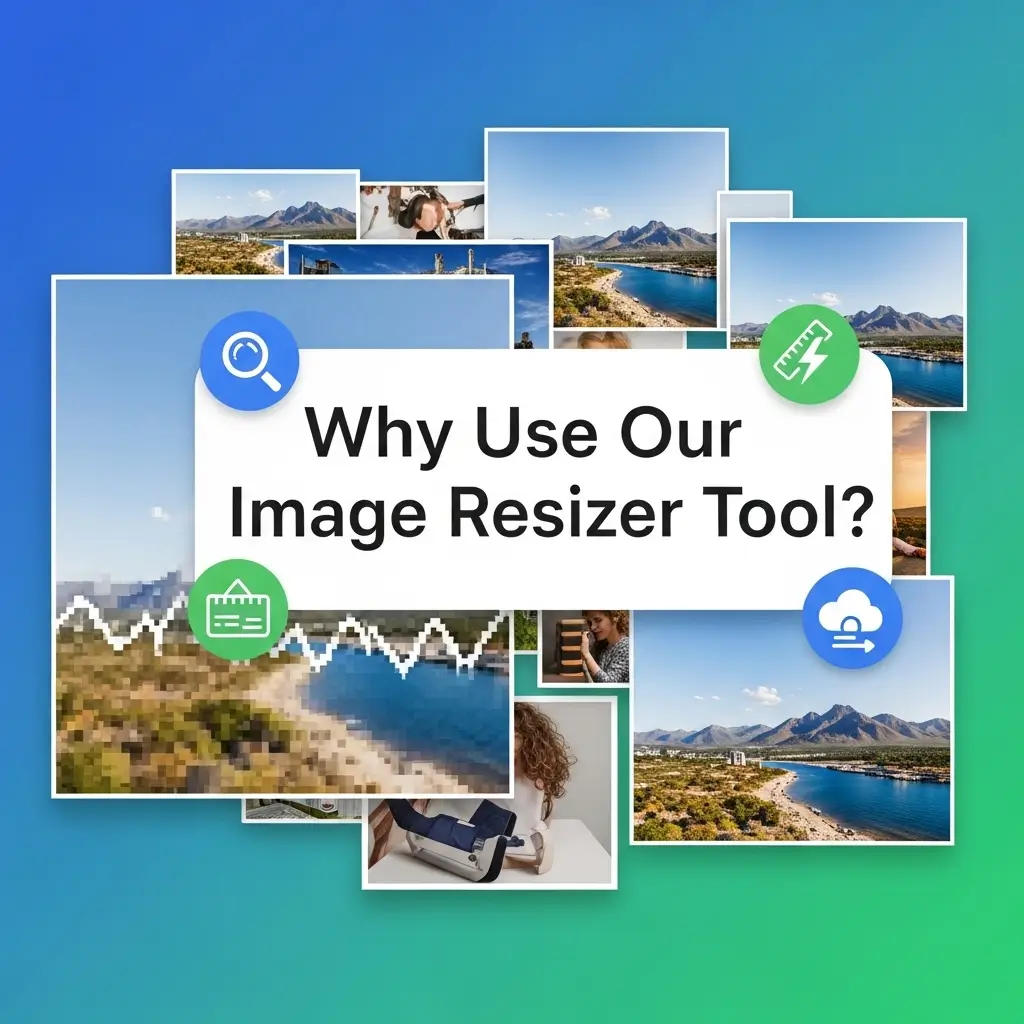
Image Resizer
Why Use Our Image Resizer Tool?
It's Super Fast
Resize any image in just a few seconds.
Completely Free
No hidden costs or sign-ups required. Use it as much as you want!
Easy to Use
Our simple design means anyone can resize a photo. No technical skills needed.
Keeps Quality High
We make sure your resized images still look sharp and clear.
Works Everywhere
Use it on your computer, tablet, or smartphone.